Smart Locks 101: Choosing and Installing Keyless Entry That Actually Works
If you've ever fumbled for keys in the rain outside your Oakland duplex, handed a spare key to yet another Airbnb guest, or wondered who still has a copy of your old office key, you already understand the appeal of going keyless. Smart locks have moved past the gimmick phase — the good ones are reliable, secure, and genuinely convenient for homeowners, landlords, and property managers across the Bay Area. But "smart" doesn't automatically mean "well installed" or "well chosen." This guide walks through how to pick the right keyless entry system for your situation and what proper smart lock installation actually involves, so you end up with a lock that works the way you expect it to, every time you walk up to your door.
Why Homeowners and Landlords Are Switching to Keyless Entry
The reasons people call for keyless entry installation tend to fall into a few buckets:
- No more lost keys or lockouts. A forgotten key doesn't strand you outside when you can unlock with a code, fob, or phone.
- Easy access management for guests and tenants. Generate a temporary code for a cleaner, contractor, or Airbnb guest, then delete it when they're done — no re-keying, no spare key floating around.
- Remote control. Many Wi-Fi-enabled locks let you lock or unlock the door from an app, see who came and went, and get an alert if the door is left open.
- Better fit for rental turnover. A smart lock for rental property lets you reset access between tenants in minutes instead of scheduling a locksmith visit every time someone moves out.
- Integration with existing smart home setups. Many models pair with video doorbells, smart hubs, and voice assistants.
None of that is hype — it's just what the technology is actually good at. The trick is matching the right lock to your door, your household, and your budget.
Types of Smart Locks: Which One Fits Your Door?
Not every keyless lock works the same way, and not every door is a good candidate for every lock. Here's the breakdown.
Keypad Locks
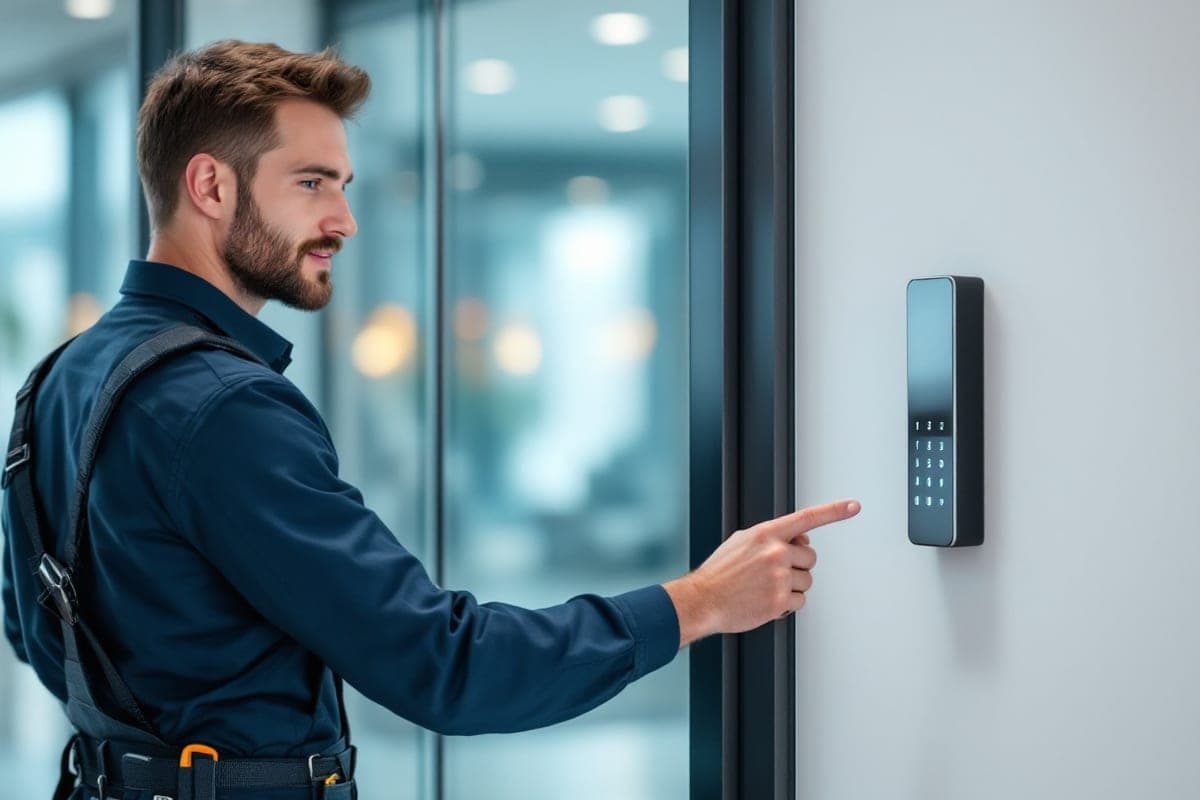
A keypad lock installation replaces your existing deadbolt with a unit that unlocks via a numeric code. These are popular for rental properties and vacation homes because there's no app requirement for guests — just a code. Many models support multiple user codes, which is handy if you want a separate code for a dog walker or in-law without sharing your main one.
Smart Deadbolts
A smart deadbolt installation is often the most seamless option because it retains the look and function of a traditional deadbolt while adding electronic control — keypad, app, fingerprint, or all three. If you already have a good quality door and strike plate, a smart deadbolt is usually a drop-in upgrade that reuses your existing bore holes.
Wi-Fi and App-Controlled Locks
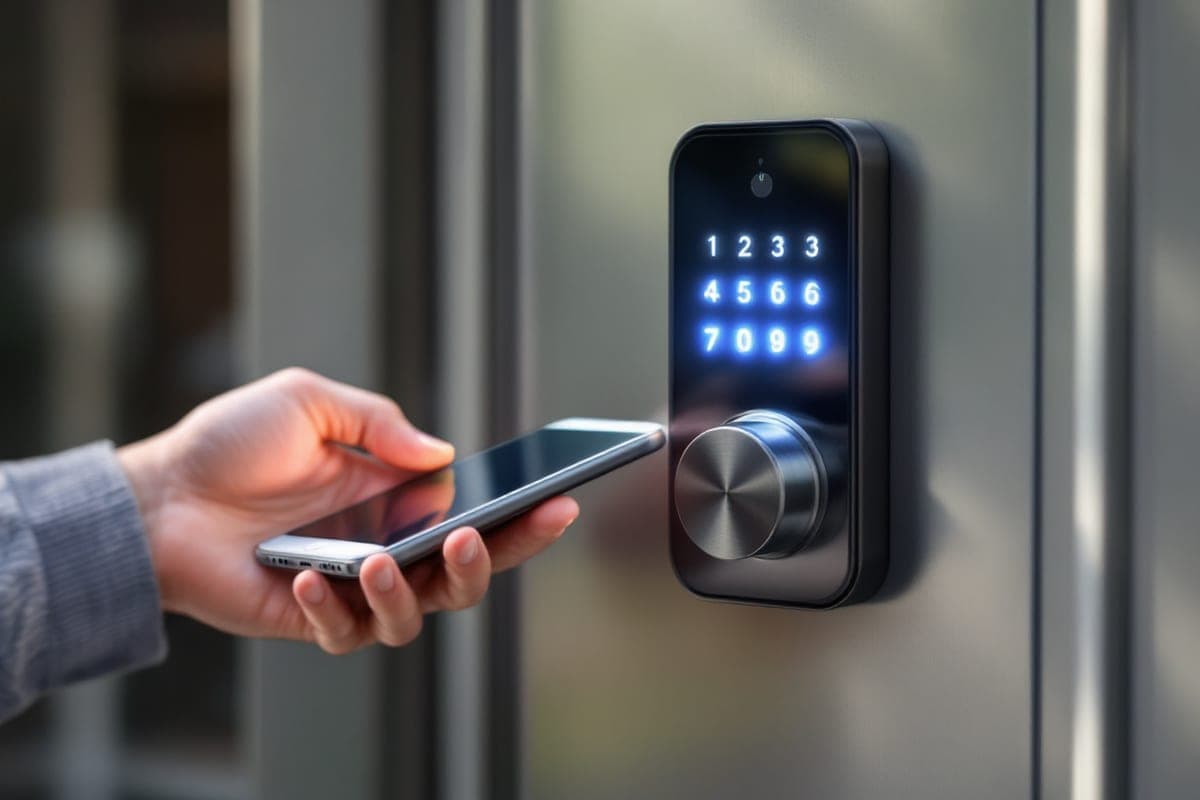
A Wi-Fi lock installation connects the lock directly to your home network, so you can lock and unlock it remotely and check status from anywhere with cell service. App-controlled lock installation is the category most people mean when they say "smart lock" — you get push notifications, activity logs, and often the ability to grant one-time or scheduled access to specific people. The tradeoff is dependency on Wi-Fi signal at the door and, in some cases, a bridge or hub device.
Electronic Door Locks with Bluetooth Only
Some units skip Wi-Fi entirely and rely on Bluetooth plus a physical keypad. These are simpler, often more battery-efficient, and less prone to connectivity headaches — a solid choice if you don't need true remote access and just want reliable keyless entry installation at the door.
What to Consider Before You Buy
Door and Deadbolt Compatibility
Before falling in love with a specific model, measure your door thickness, backset (the distance from the edge of the door to the center of the bore hole), and check whether you have a single-cylinder or double-cylinder deadbolt. Most smart locks are designed for standard doors, but older homes throughout the Bay Area — especially in San Francisco's Victorians and Oakland's older bungalows — sometimes have nonstandard doors that need adapter plates or professional fitting.
Power Source and Battery Life
Nearly all smart locks run on batteries, typically AA or a proprietary rechargeable pack, and most give you a low-battery warning through the app or a flashing light well before they die. Look for a model with a backup option — a physical keyhole, a 9-volt jump-start terminal on the outside, or both — so a dead battery never actually locks you out.
Connectivity: Wi-Fi vs. Bluetooth vs. Z-Wave/Zigbee
Wi-Fi locks connect directly to your router, which is convenient but can drain batteries faster and depends on your home network staying up. Bluetooth-only locks are more efficient but only respond when you're within range, unless paired with a separate hub. Z-Wave and Zigbee locks need a compatible smart home hub but tend to be very stable once set up. If your Bay Area home has thick plaster walls or a router far from the front door, take signal strength into account.
Security Certifications
Look for ANSI/BHMA grading (Grade 1 or Grade 2 for residential use) and confirm the lock has been tested against common bypass methods. A slick app means little if the underlying deadbolt and strike plate are flimsy.
Access Management Features
If you're outfitting a smart lock for Airbnb or a smart lock for rental property, prioritize models that let you create time-limited codes, see an access log, and manage everything remotely — you won't always be on-site when a guest checks in or a tenant moves out.
Why Professional Installation Matters
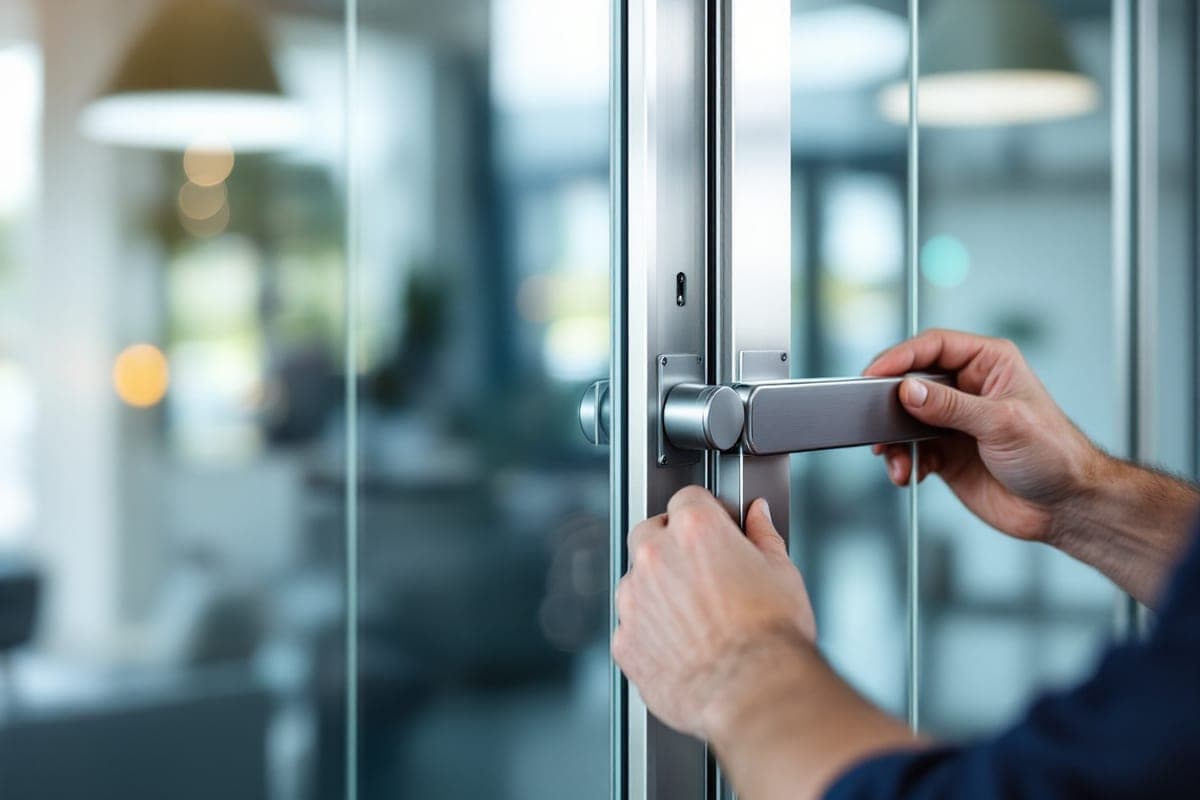
Plenty of smart locks are marketed as DIY-friendly, and simple deadbolt swaps on a standard door often are manageable for a confident homeowner. But electronic door lock installation done imperfectly causes more service calls than almost any other lock issue we see. A few things that go wrong with amateur installs:
- Misaligned strike plates that make the bolt bind, drain batteries faster (the motor works harder), and eventually strip the mechanism.
- Over-tightened or under-tightened mounting screws that warp the interior escutcheon and throw off keypad or touch sensors.
- Doors that aren't square, common in older Bay Area housing stock, which need shimming or strike plate adjustment that isn't covered in the manufacturer's quick-start guide.
- Incorrect network or hub pairing that leaves the "smart" features non-functional even though the lock itself operates fine manually.
A licensed, insured locksmith checks door alignment, confirms the deadbolt throws smoothly into a properly seated strike plate, and tests the electronic functions before leaving — which is exactly the kind of thing that prevents a 2 a.m. lockout call three weeks later.
Smart Lock Troubleshooting: Common Issues and Fixes
Even a well-installed lock runs into hiccups occasionally. Here are the most common ones and what to try before calling for service.
The Lock Won't Respond to the App
Check that the lock still has Wi-Fi or Bluetooth connectivity — walk close to the door and see if a direct Bluetooth connection works even if Wi-Fi doesn't. Restarting your router or the lock's hub resolves a surprising number of "unresponsive" complaints.
Keypad Codes Aren't Working
Confirm the code hasn't expired (common with temporary guest codes) and that you're not hitting a code-entry lockout after too many failed attempts, which many locks impose as a security feature. Replacing batteries often fixes intermittent keypad recognition issues too.
The Deadbolt Is Slow or Struggles to Throw
This is usually mechanical, not electronic — it typically means the strike plate is misaligned or the door has shifted slightly on its hinges. Lubricating the bolt with a dry lock lubricant can help temporarily, but a shifted strike plate needs adjustment.
Battery Drains Unusually Fast
Frequent Wi-Fi signal searching, extreme temperatures, or a bolt that's fighting a misaligned strike plate all shorten battery life. If you're replacing batteries far more often than the manufacturer's estimate, it's worth having the alignment checked.
The Lock Won't Pair With a New Phone or Hub
Most locks need to be reset to factory settings before re-pairing with a new primary device. Back up or note your existing codes first, since a factory reset typically clears them.
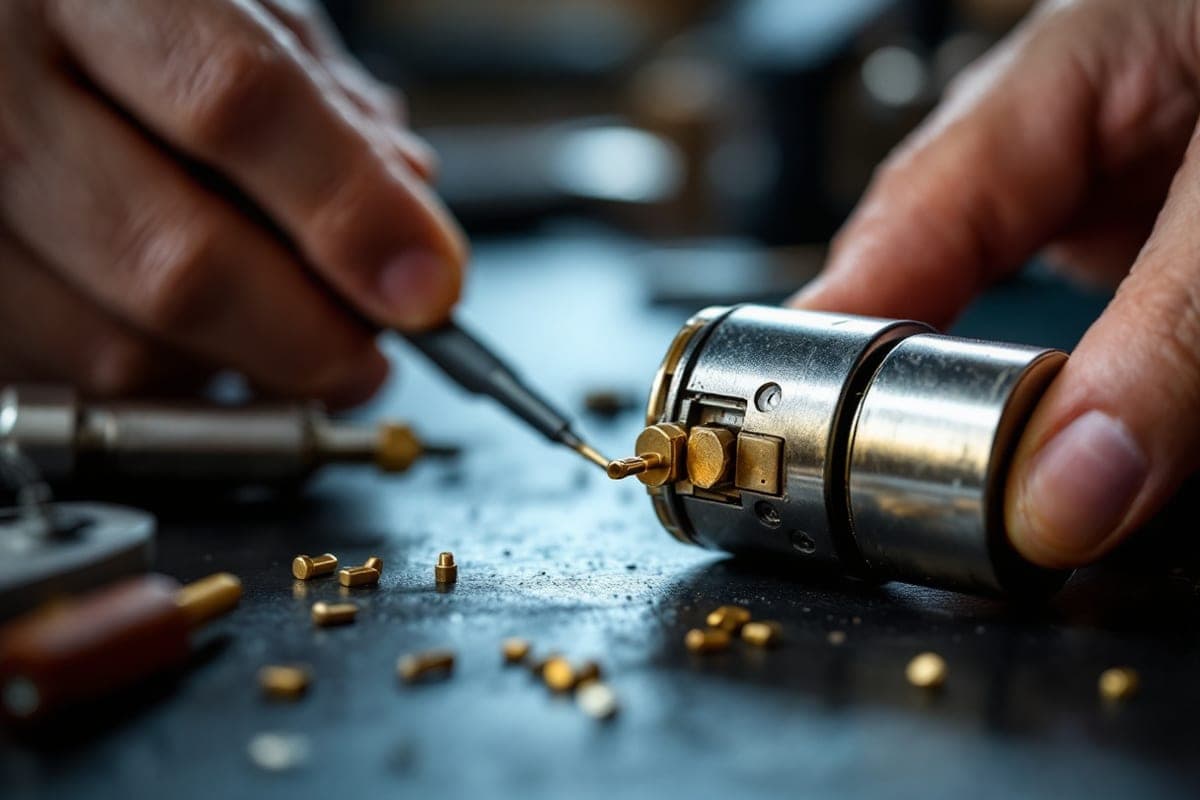
If troubleshooting doesn't resolve the issue, or if you're not comfortable pulling the lock apart to check wiring and battery contacts, that's a reasonable point to call in a professional rather than risk damaging the unit or your door.
Smart Locks for Airbnb and Rental Properties
Short-term rental hosts and landlords have specific needs that go beyond a typical homeowner's. A smart lock for Airbnb should let you:
- Generate unique codes per guest and per stay, so you're never reusing a code that a previous guest still remembers.
- Set codes to activate and expire automatically around check-in and check-out times.
- Check an access log remotely if there's ever a dispute about arrival or departure times.
- Integrate with property management software if you're running multiple units.
For a smart lock for rental property with longer-term tenants, the priorities shift slightly toward durability, easy code resets between tenants, and a reliable physical backup in case a tenant loses power or Wi-Fi in the unit. Property managers overseeing multiple buildings across the Bay Area often standardize on one lock model across units specifically so that troubleshooting, batteries, and spare parts stay consistent.
Getting It Installed Right the First Time
Whether you've already bought a lock or want help choosing one, professional installation pays for itself in fewer callbacks and a door that actually locks smoothly on day one. Chida Locksmith provides smart lock installation, keypad lock installation, smart deadbolt installation, and full app-controlled lock installation across the entire San Francisco Bay Area — from Fremont and the East Bay to San Francisco, the Peninsula, and San Jose. We're licensed, bonded, and insured, and we're available 24/7 for installations, troubleshooting, and emergency lockouts.
Frequently Asked Questions
Can any deadbolt be replaced with a smart lock?
Most standard single-cylinder deadbolts can be upgraded to a smart deadbolt without modifying the door. Nonstandard doors, unusual backsets, or double-cylinder deadbolts sometimes need an adapter or a different model — a quick on-site assessment settles it.
Do smart locks work during a power outage?
Yes. Smart locks run on their own batteries, not household power, so a power outage doesn't disable them. If your home Wi-Fi goes down, the physical keypad and any Bluetooth or backup key functions still work; only remote app access over Wi-Fi is affected until connectivity is restored.
How long does professional installation take?
A straightforward smart deadbolt or keypad lock installation on a standard door usually takes 30 to 60 minutes. Jobs involving door adjustments, non-standard hardware, or multiple units take longer.
Are smart locks secure enough for a rental property?
Yes, when you choose a model with solid ANSI/BHMA grading and proper installation. The bigger security win for rentals is actually operational: you can issue and revoke codes instantly, which is more secure than physical keys that can be copied without your knowledge.
What should I do if my smart lock stops working suddenly?
Start with the basics — check the batteries, confirm Wi-Fi or Bluetooth connectivity, and try the physical backup key if one exists. If the bolt is jammed or the keypad is unresponsive after that, avoid forcing it, since that can damage the mechanism, and call a locksmith for smart lock troubleshooting and repair instead.
Ready to upgrade your doors? Chida Locksmith handles smart lock installation, keyless entry installation, and electronic door lock installation throughout the Bay Area, with same-day and emergency service available. Call us anytime at (510) 690-5660 to schedule your installation or get help with a smart lock that isn't behaving. </markdown> </invoke>
Need a locksmith in the Bay Area?
Chida Locksmith is available 24/7 with fast mobile service and upfront pricing.
(510) 690-5660